
Learn Ledgr
one short lesson at a time.
Each lesson is a video of a minute or so, recorded in Ledgr itself, with every step written out under it and three questions to check that it stuck. Start with Getting started, then take the course for the part of the business you run.
7 courses · 28 lessons · about 58 minutes in all
Getting started
For a new owner or administrator: by the end you can read the dashboard, set up the company, invite a teammate and work in a second currency.
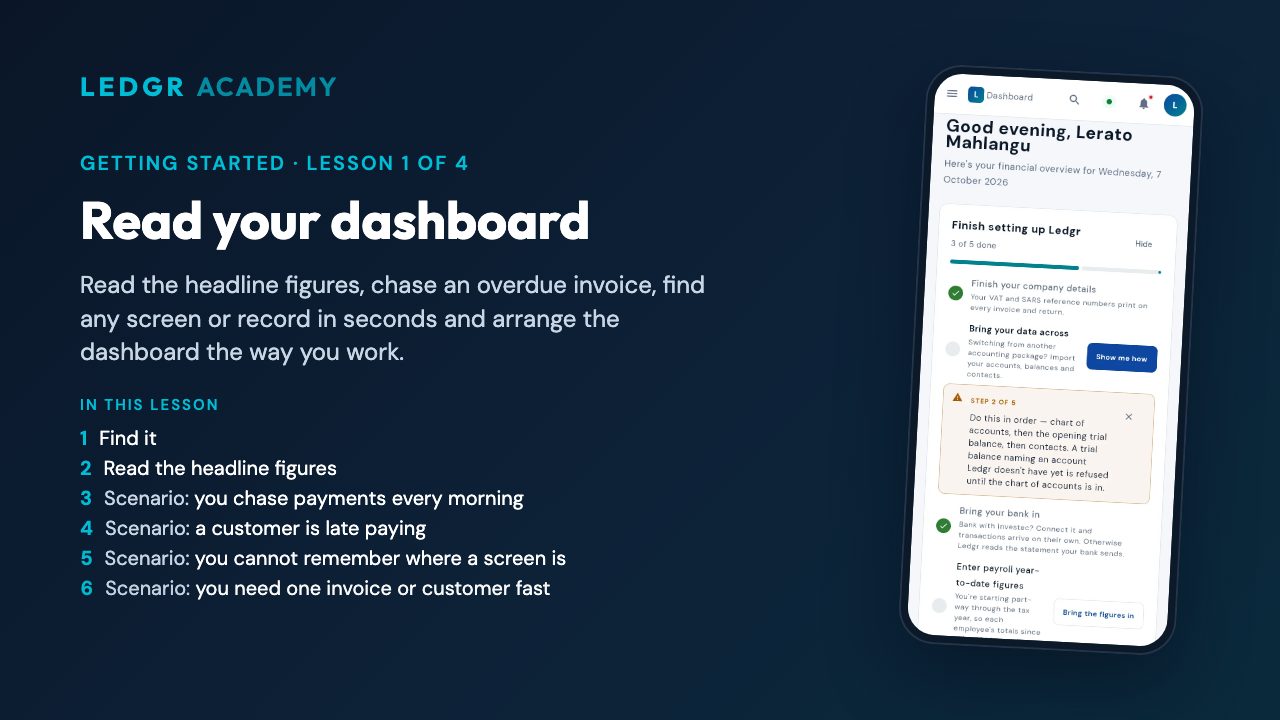 Read your dashboardRead the headline figures, chase an overdue invoice, find any screen or record in seconds and arrange the dashboard the way you work.
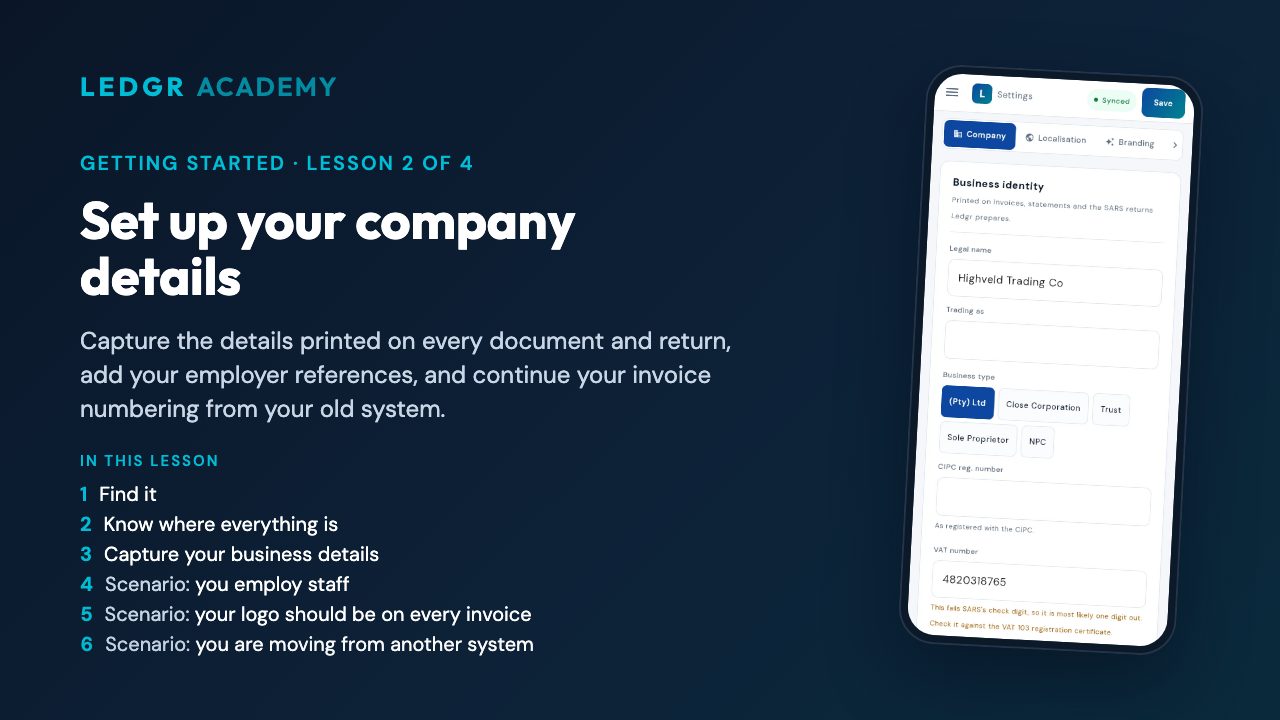 Set up your company detailsCapture the details printed on every document and return, add your employer references, and continue your invoice numbering from your old system.
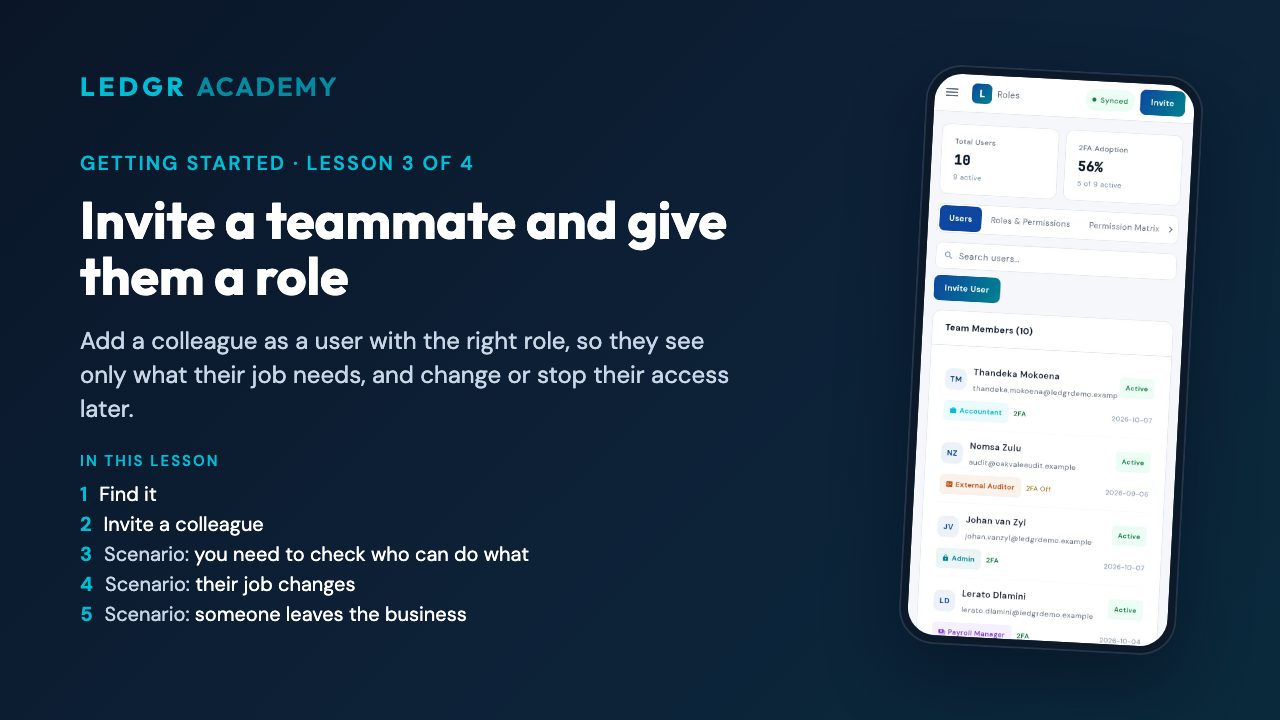 Invite a teammate and give them a roleAdd a colleague as a user with the right role, so they see only what their job needs, and change or stop their access later.
 Work in a second currencyKeep exchange rates current, use your bank's rate when it differs, and invoice a customer in their own currency, on Business plans and above.
Take the Getting started assessment — pass and get a certificate anyone can check.
Sales
For anyone who sells: by the end you can quote, invoice, take payment, credit a customer, send statements and work deals on the CRM board.
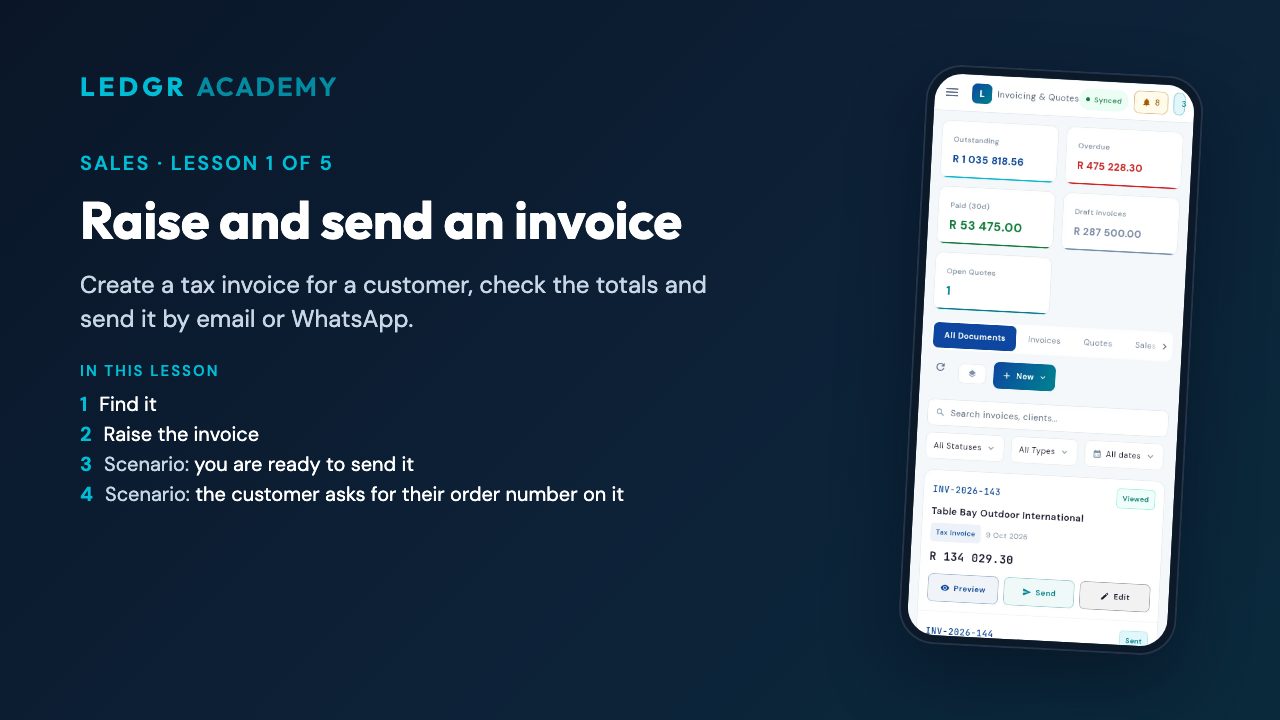 Raise and send an invoiceCreate a tax invoice for a customer, check the totals and send it by email or WhatsApp.
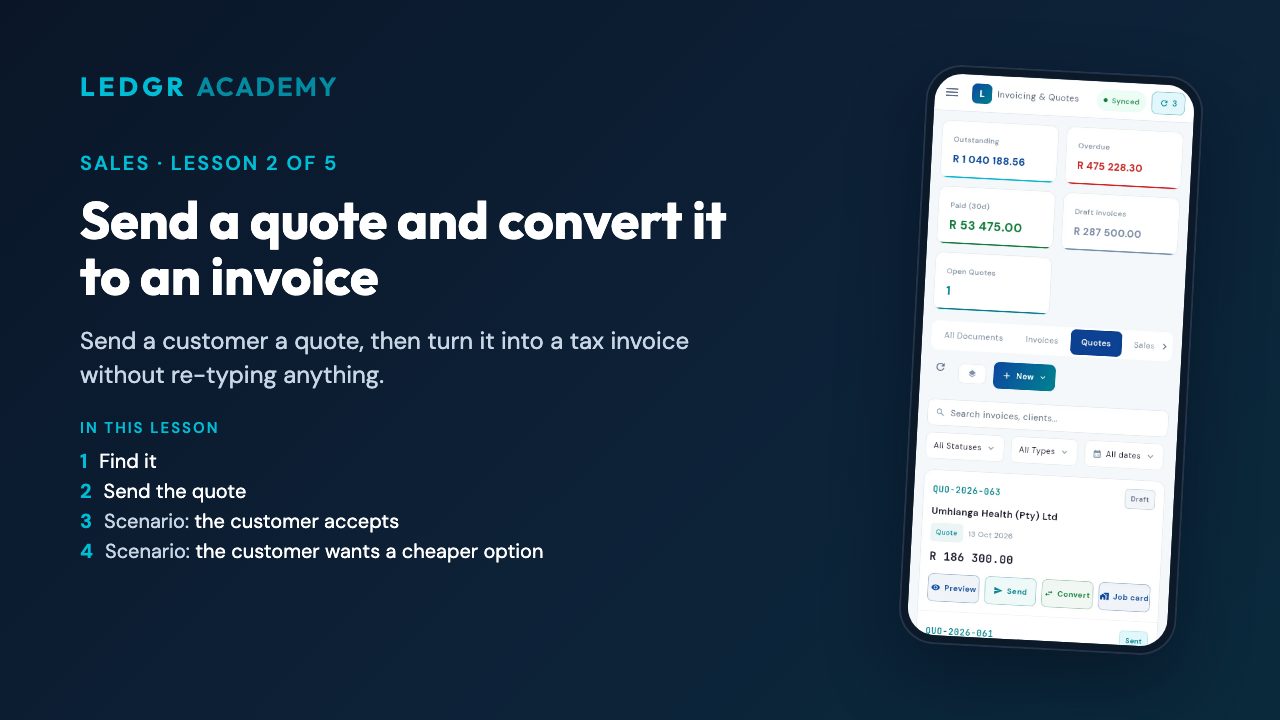 Send a quote and convert it to an invoiceSend a customer a quote, then turn it into a tax invoice without re-typing anything.
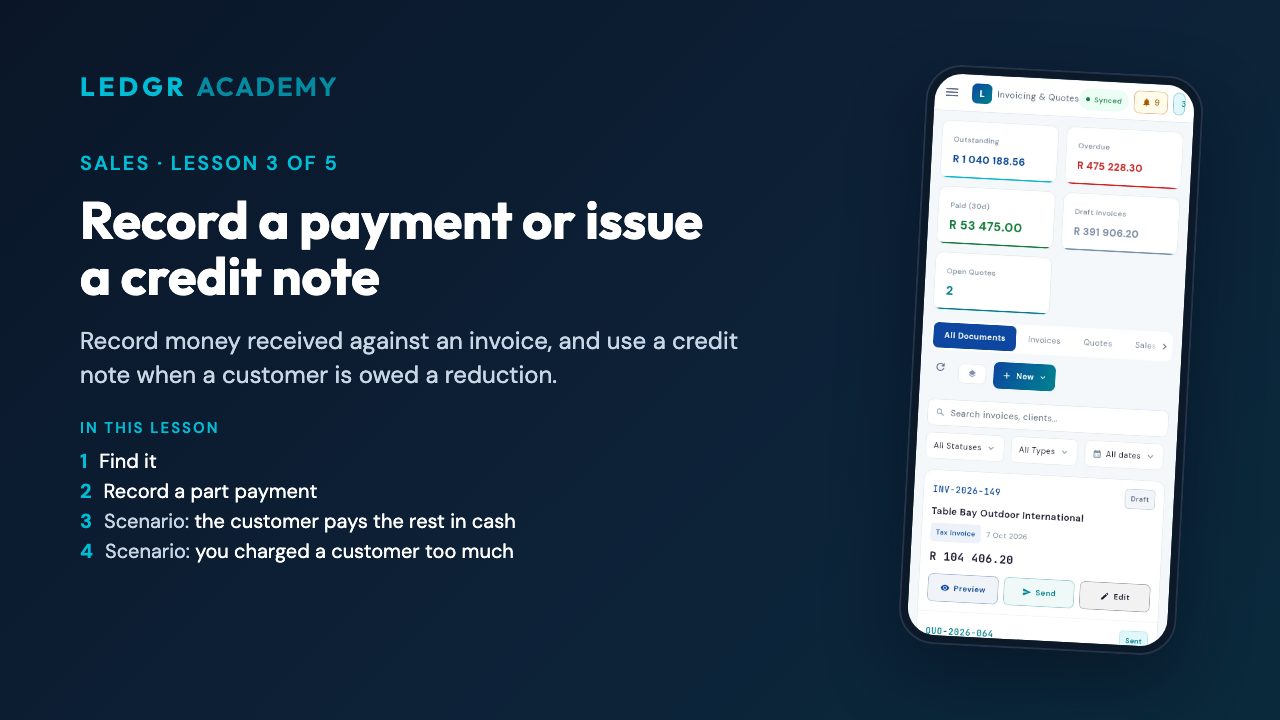 Record a payment or issue a credit noteRecord money received against an invoice, and use a credit note when a customer is owed a reduction.
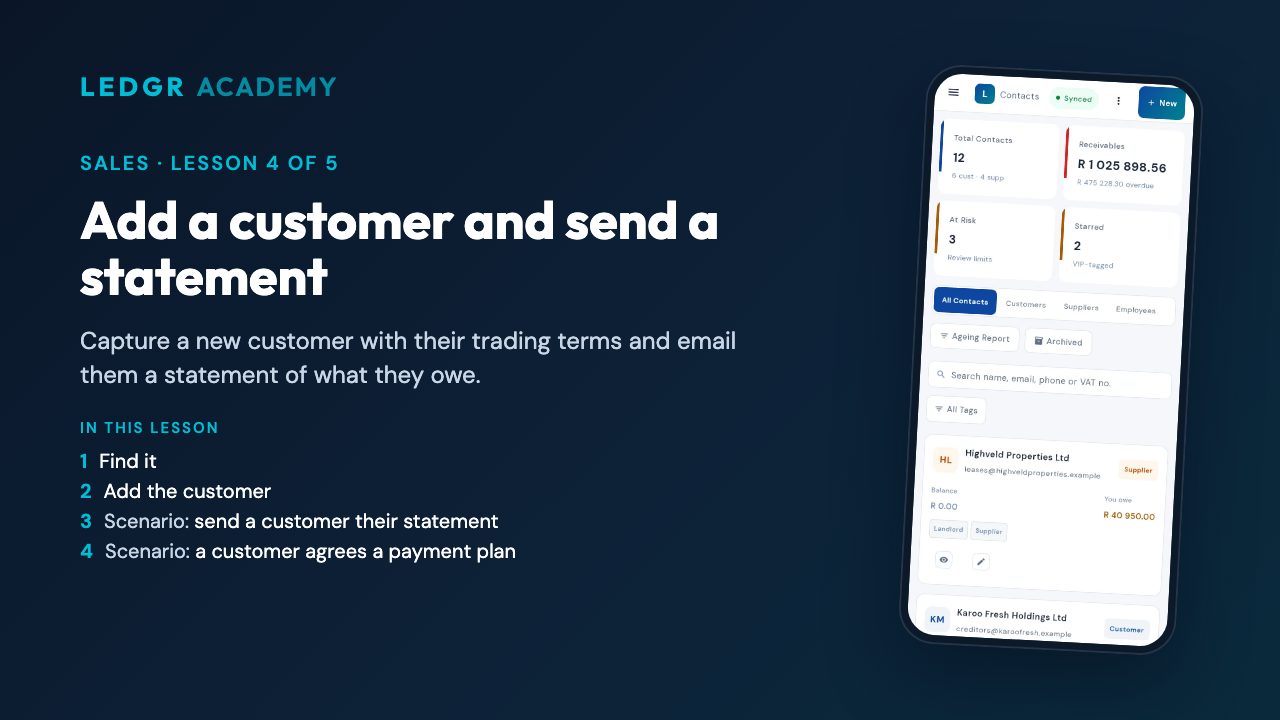 Add a customer and send a statementCapture a new customer with their trading terms and email them a statement of what they owe.
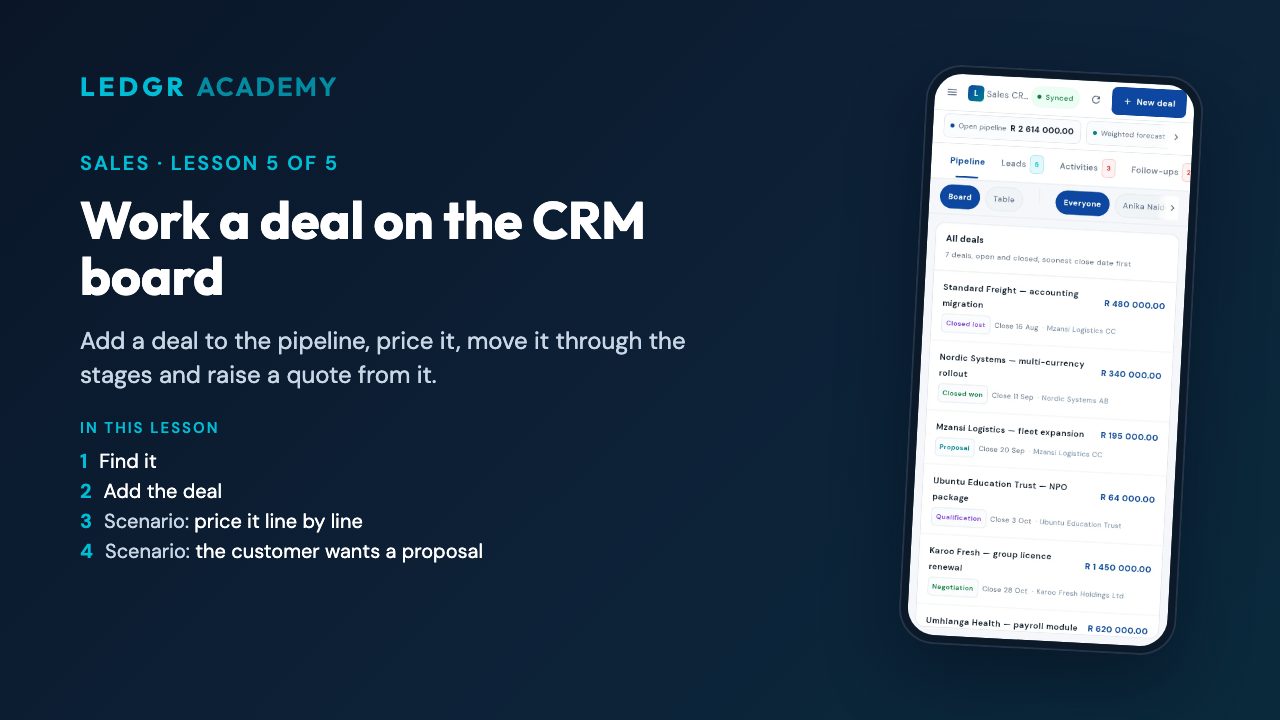 Work a deal on the CRM boardAdd a deal to the pipeline, price it, move it through the stages and raise a quote from it.
Take the Sales assessment — pass and get a certificate anyone can check.
Spending and banking
For owners and bookkeepers who want every rand that leaves the business captured, paid and reconciled against the bank.
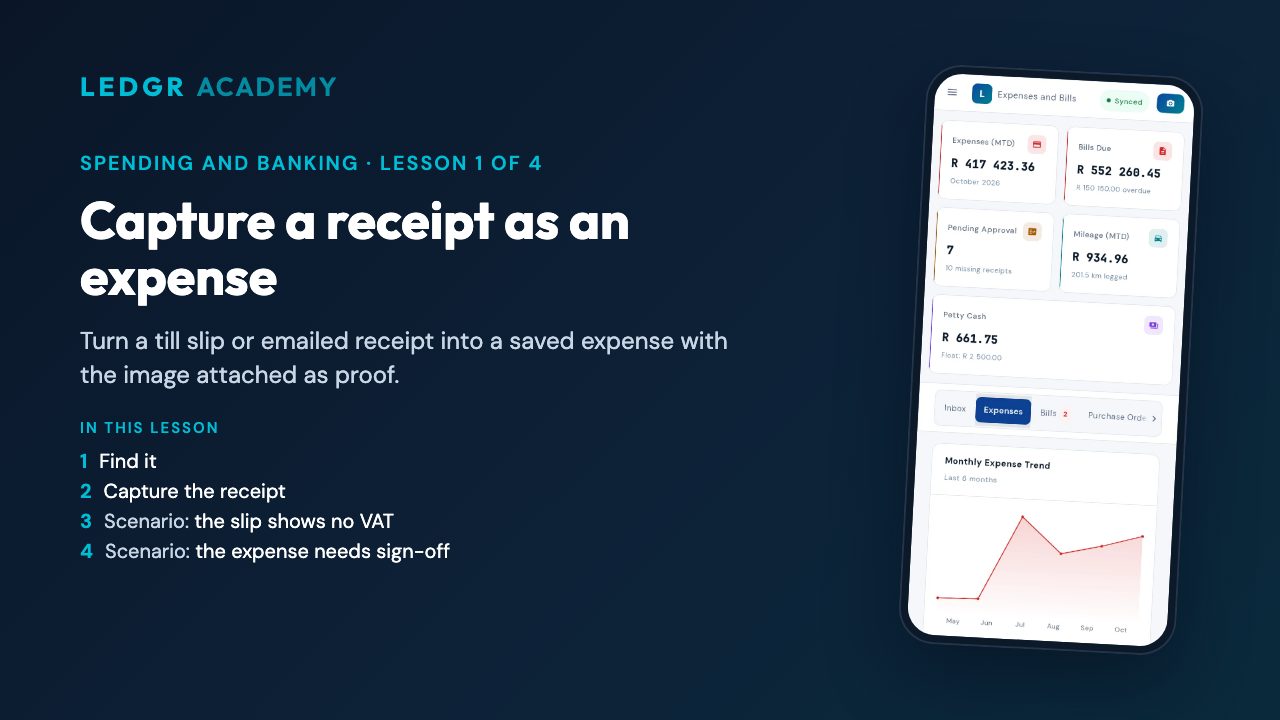 Capture a receipt as an expenseTurn a till slip or emailed receipt into a saved expense with the image attached as proof.
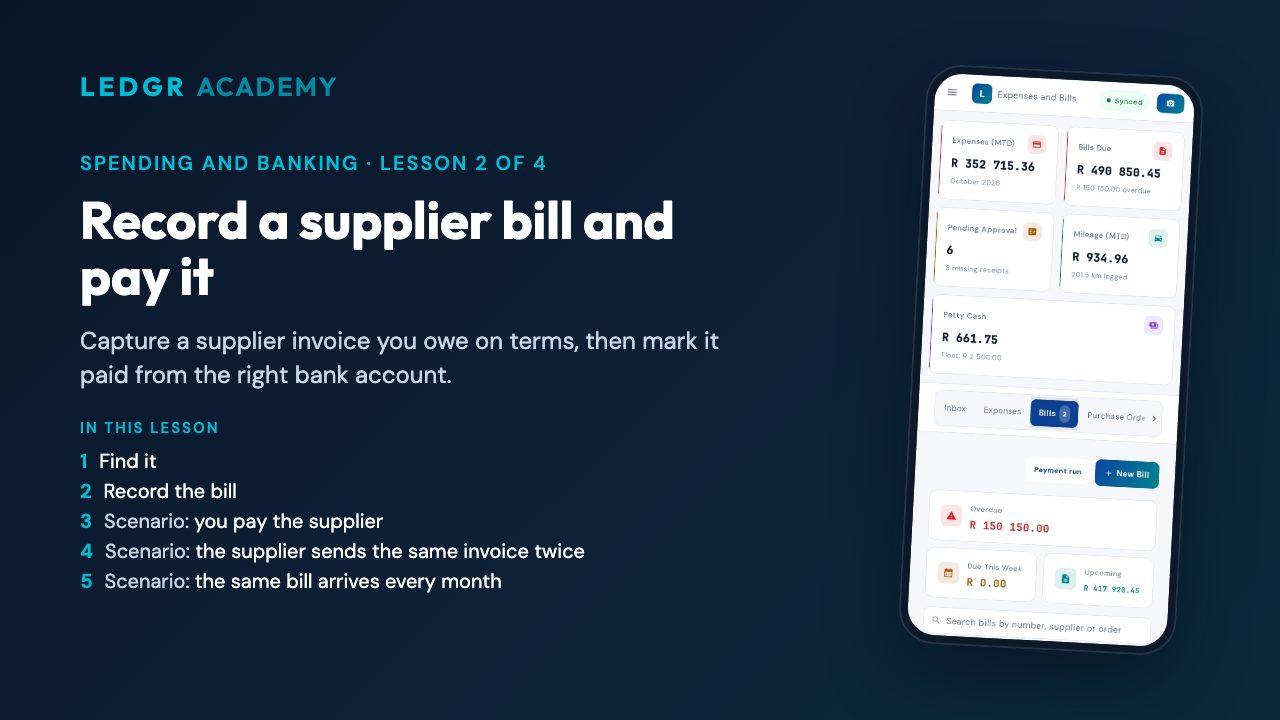 Record a supplier bill and pay itCapture a supplier invoice you owe on terms, then mark it paid from the right bank account.
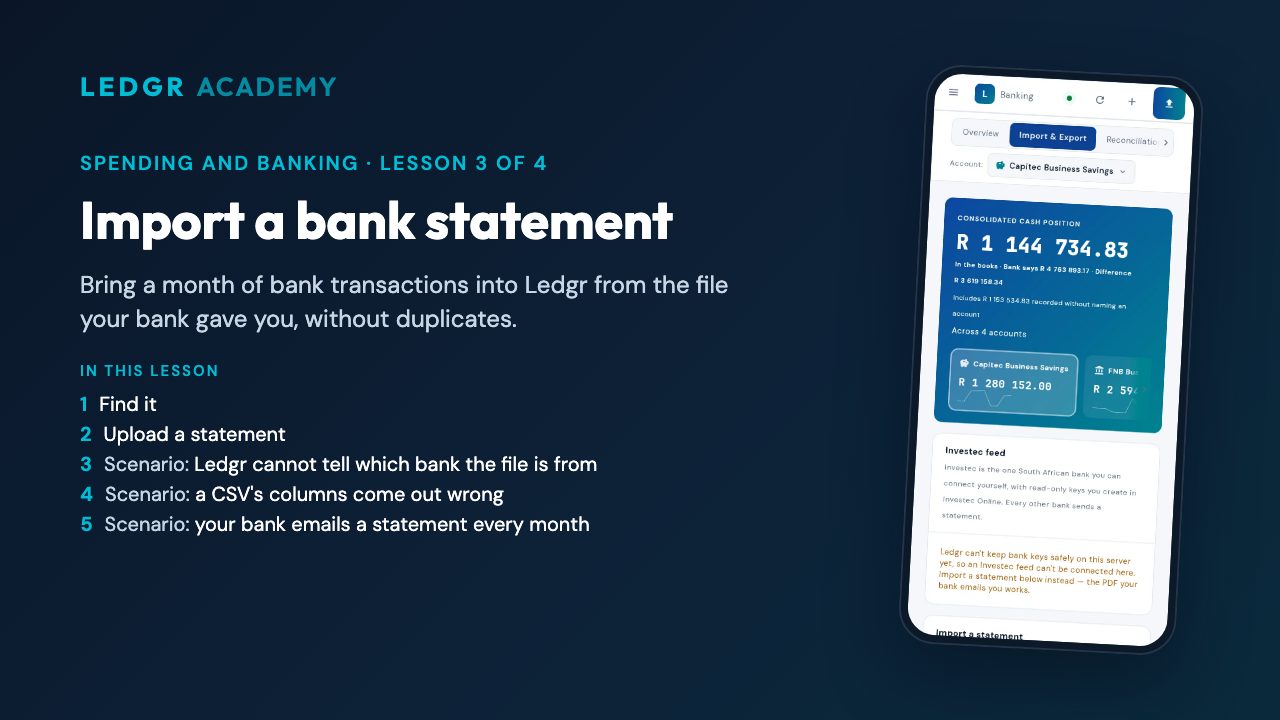 Import a bank statementBring a month of bank transactions into Ledgr from the file your bank gave you, without duplicates.
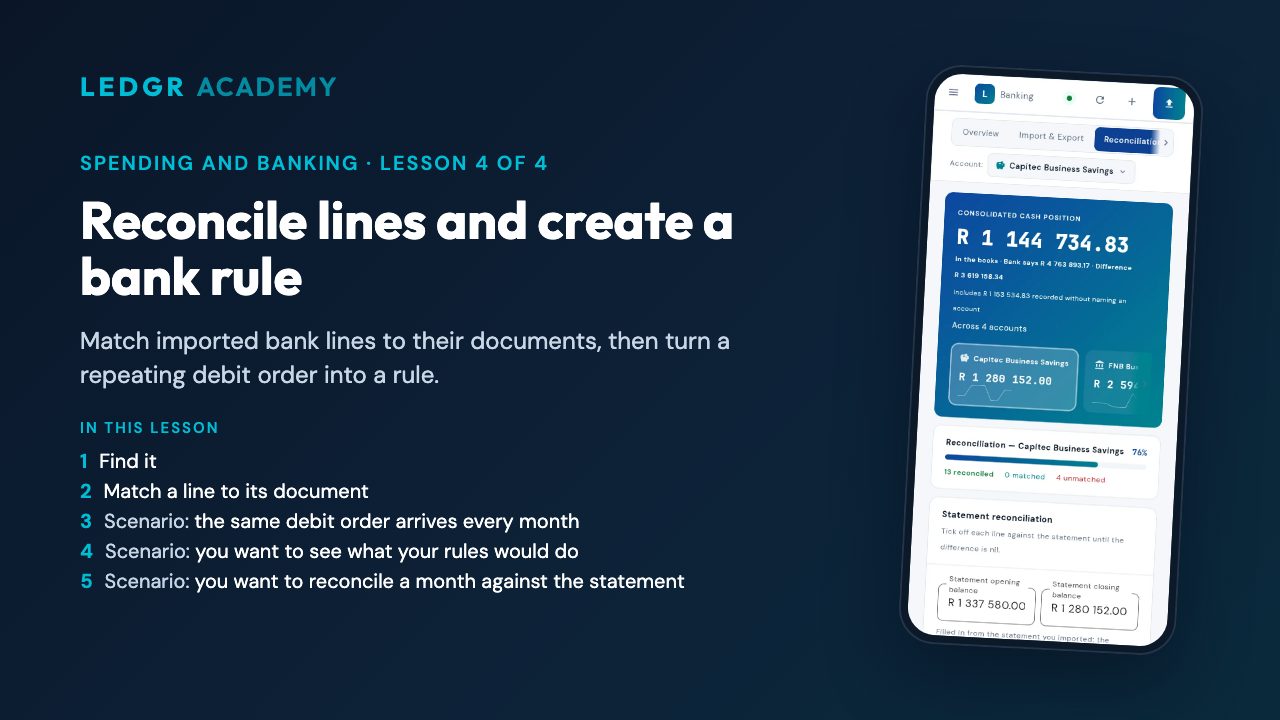 Reconcile lines and create a bank ruleMatch imported bank lines to their documents, then turn a repeating debit order into a rule.
Take the Spending and banking assessment — pass and get a certificate anyone can check.
Operations
For businesses that hold stock, do jobs for customers or run work through a process, who want each one tracked from start to finish.
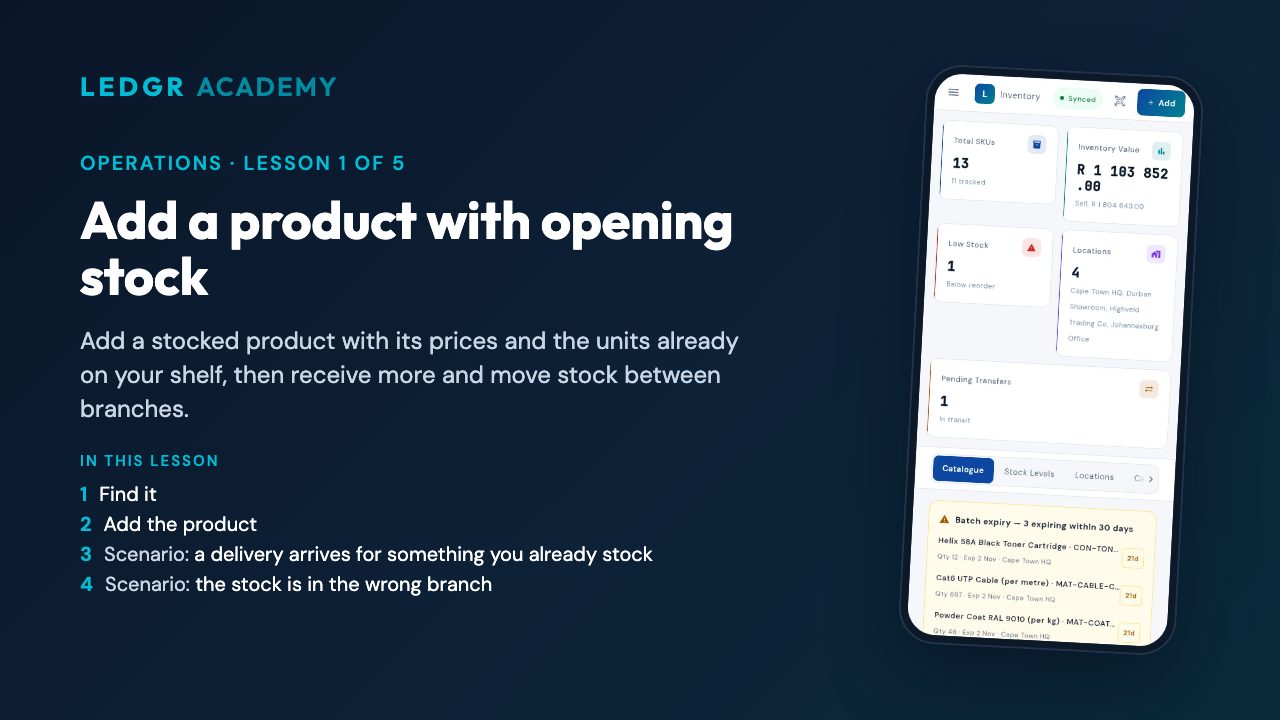 Add a product with opening stockAdd a stocked product with its prices and the units already on your shelf, then receive more and move stock between branches.
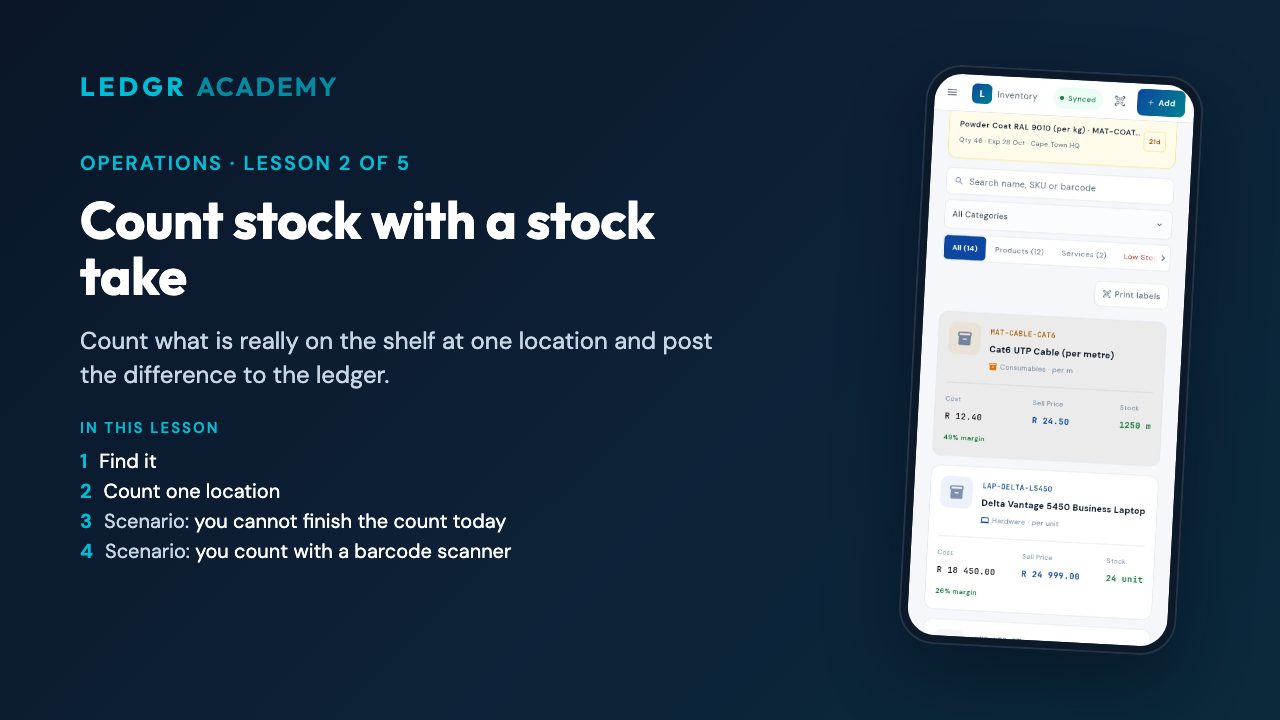 Count stock with a stock takeCount what is really on the shelf at one location and post the difference to the ledger.
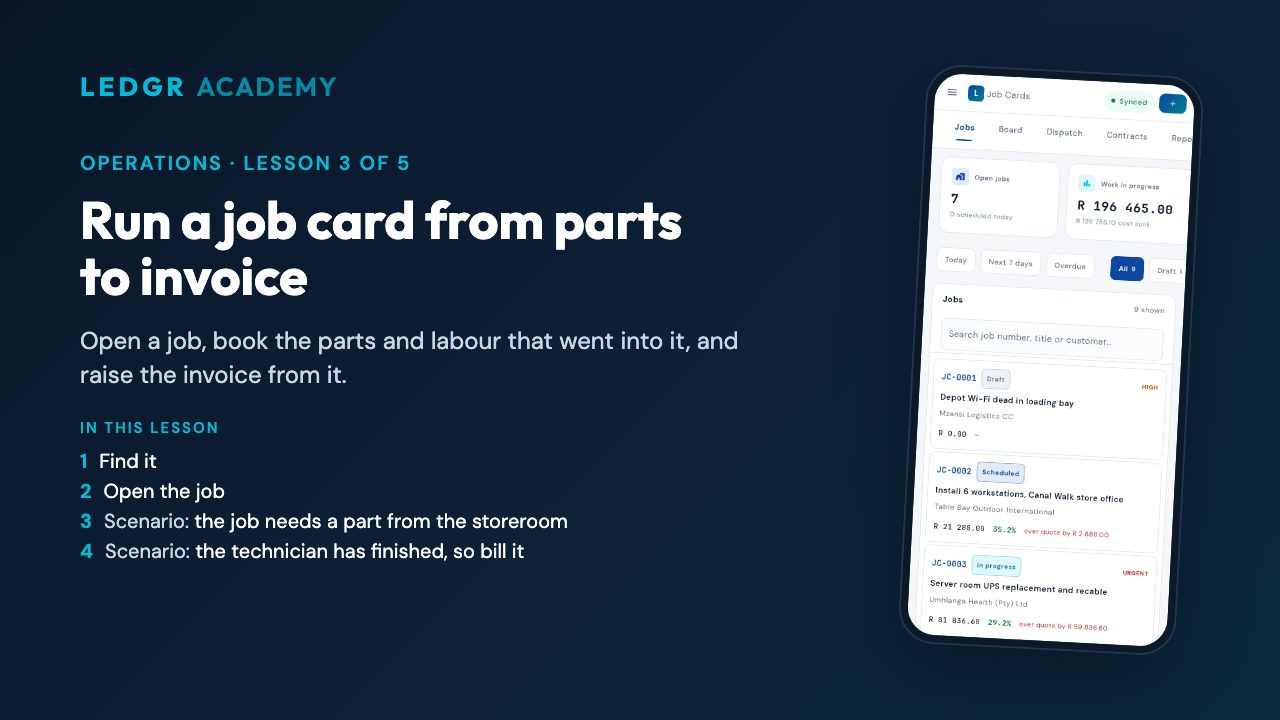 Run a job card from parts to invoiceOpen a job, book the parts and labour that went into it, and raise the invoice from it.
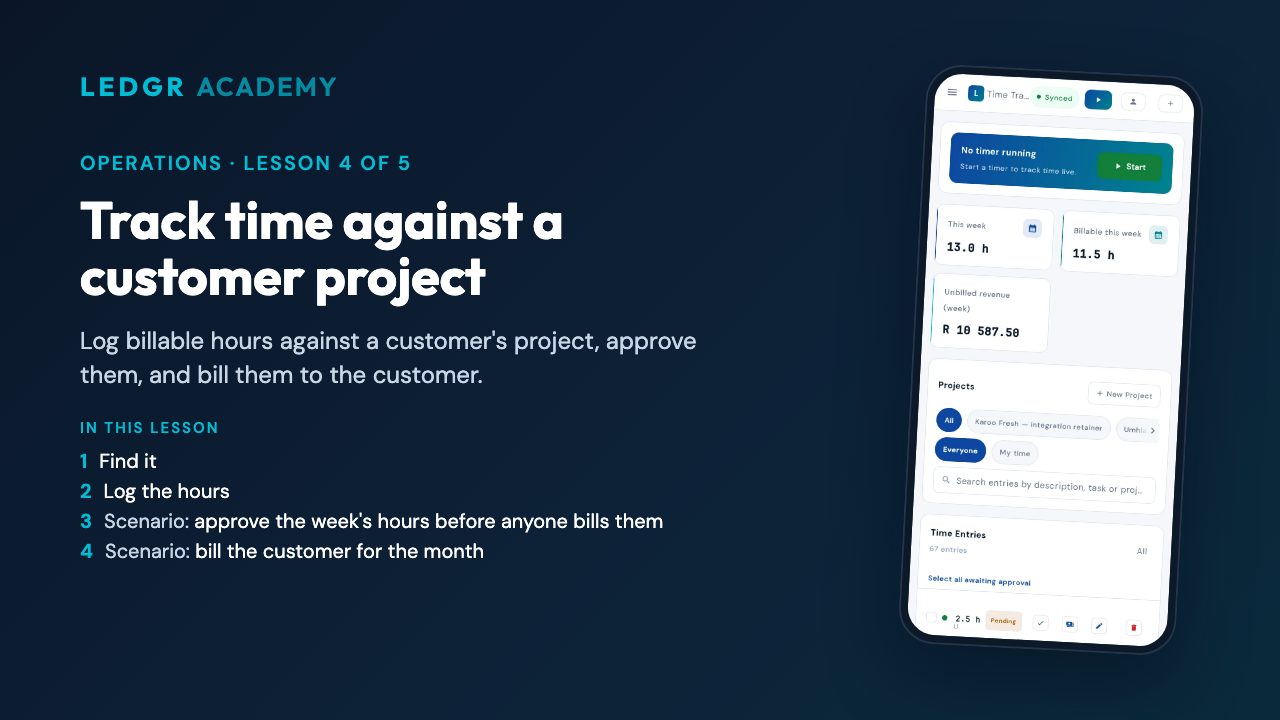 Track time against a customer projectLog billable hours against a customer's project, approve them, and bill them to the customer.
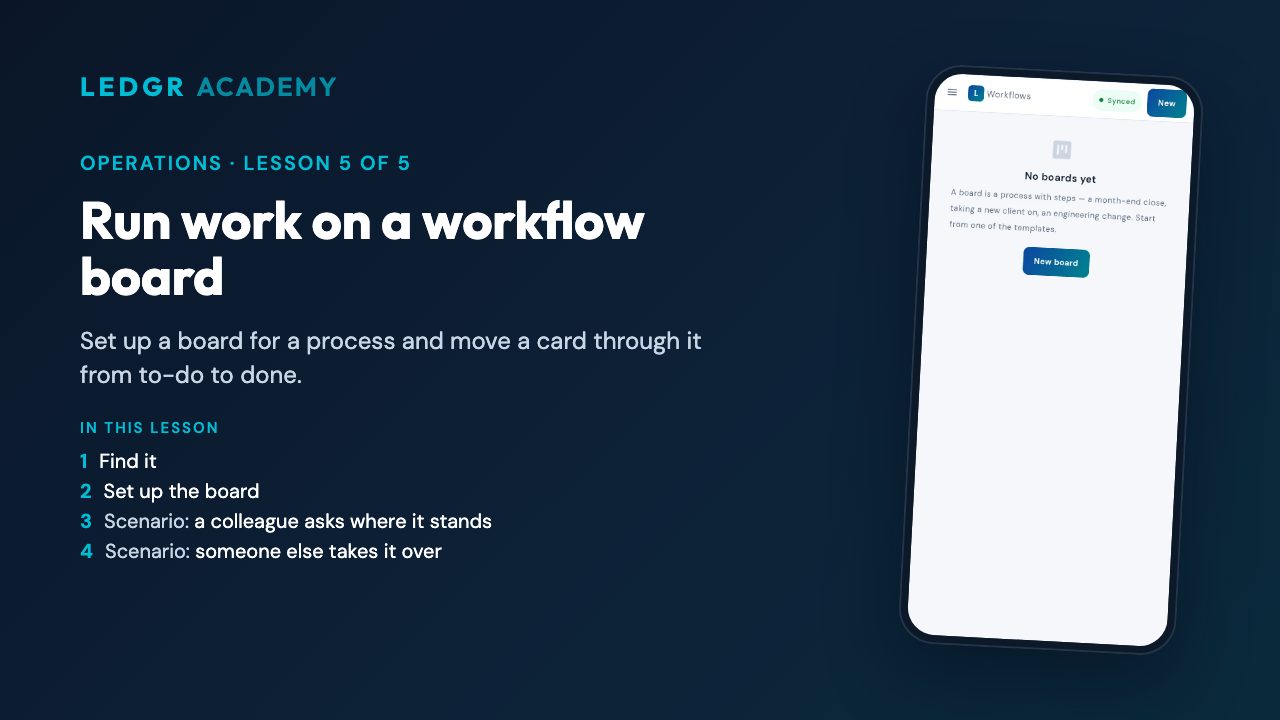 Run work on a workflow boardSet up a board for a process and move a card through it from to-do to done.
Take the Operations assessment — pass and get a certificate anyone can check.
Manufacturing and logistics
For businesses that make and deliver goods: by the end you can write a recipe, plan and build it, buy its parts and deliver it.
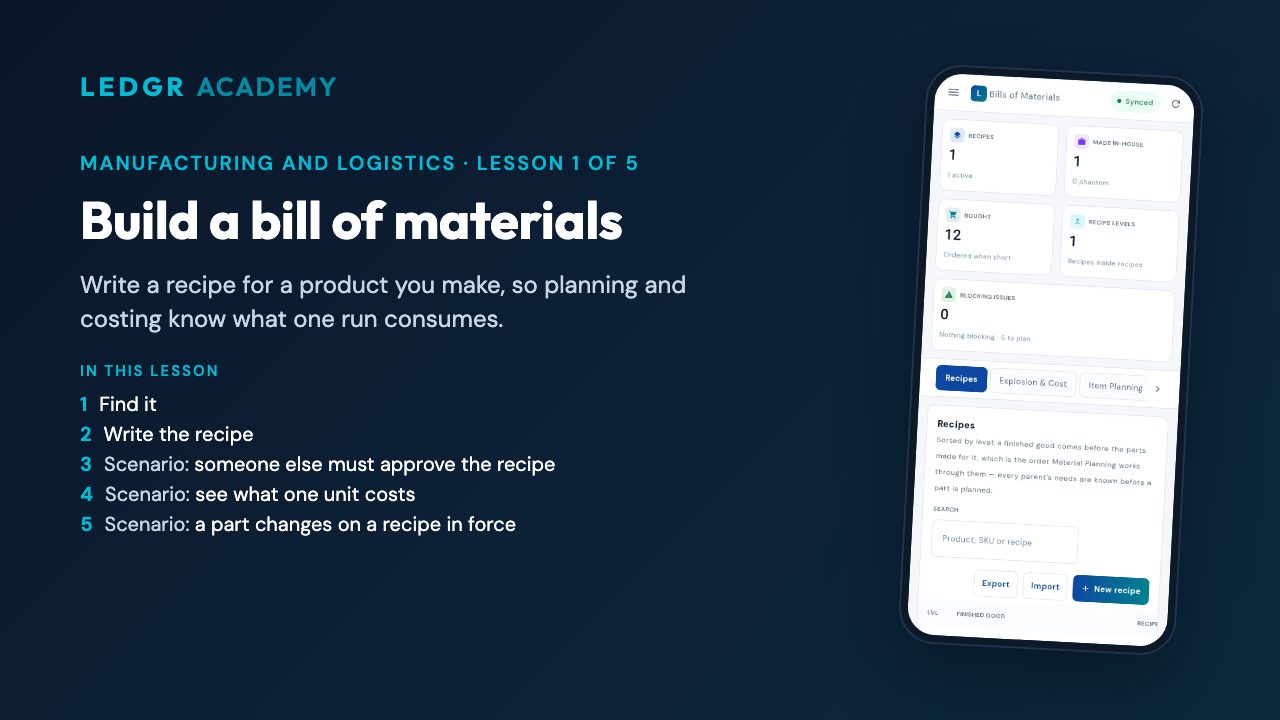 Build a bill of materialsWrite a recipe for a product you make, so planning and costing know what one run consumes.
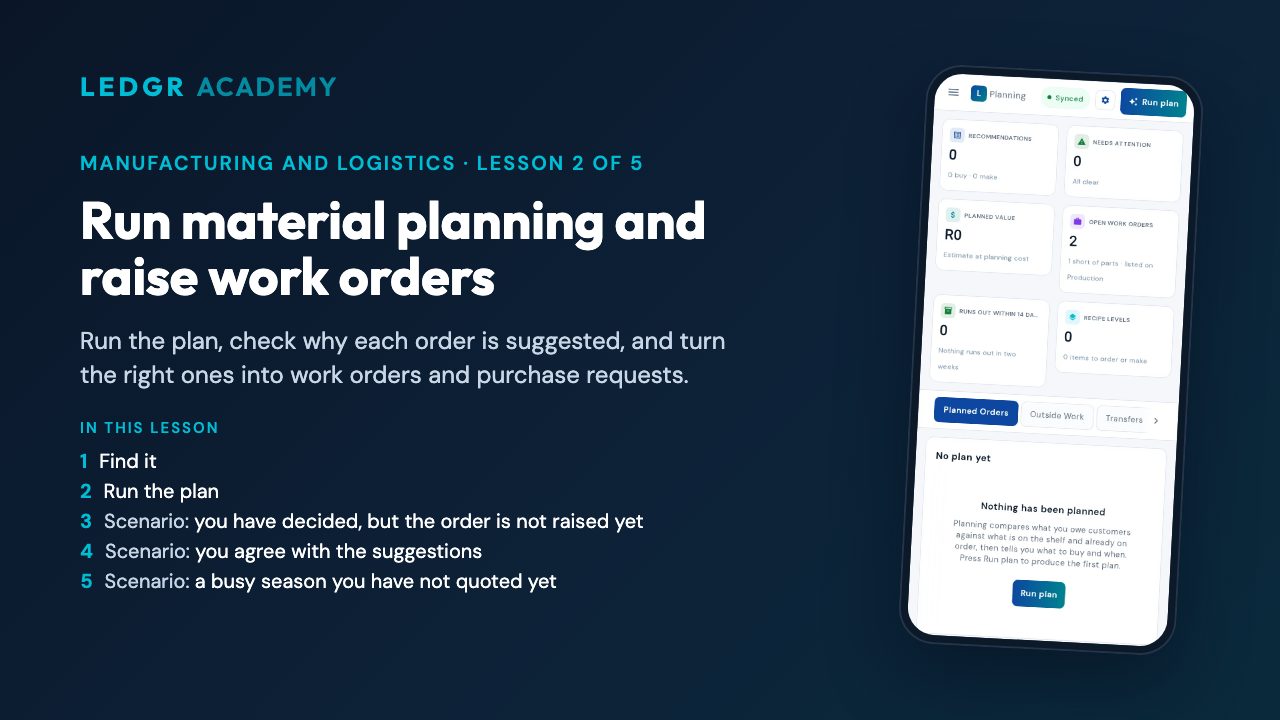 Run material planning and raise work ordersRun the plan, check why each order is suggested, and turn the right ones into work orders and purchase requests.
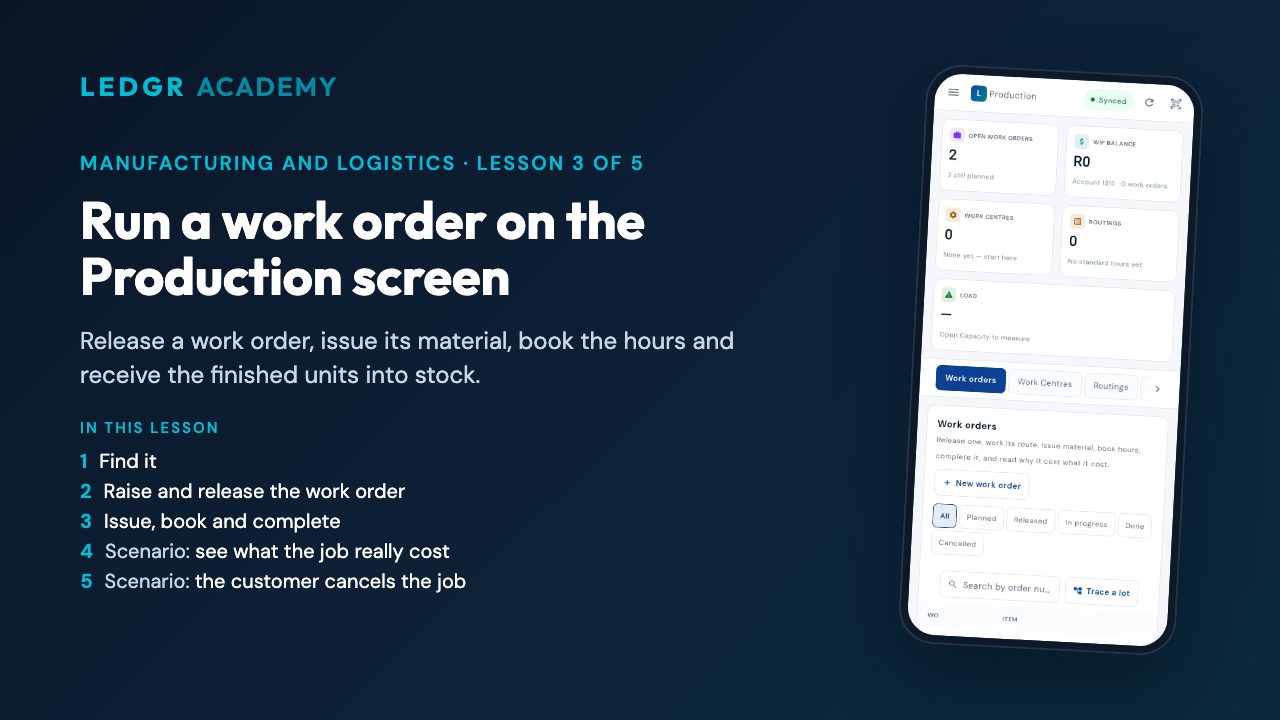 Run a work order on the Production screenRelease a work order, issue its material, book the hours and receive the finished units into stock.
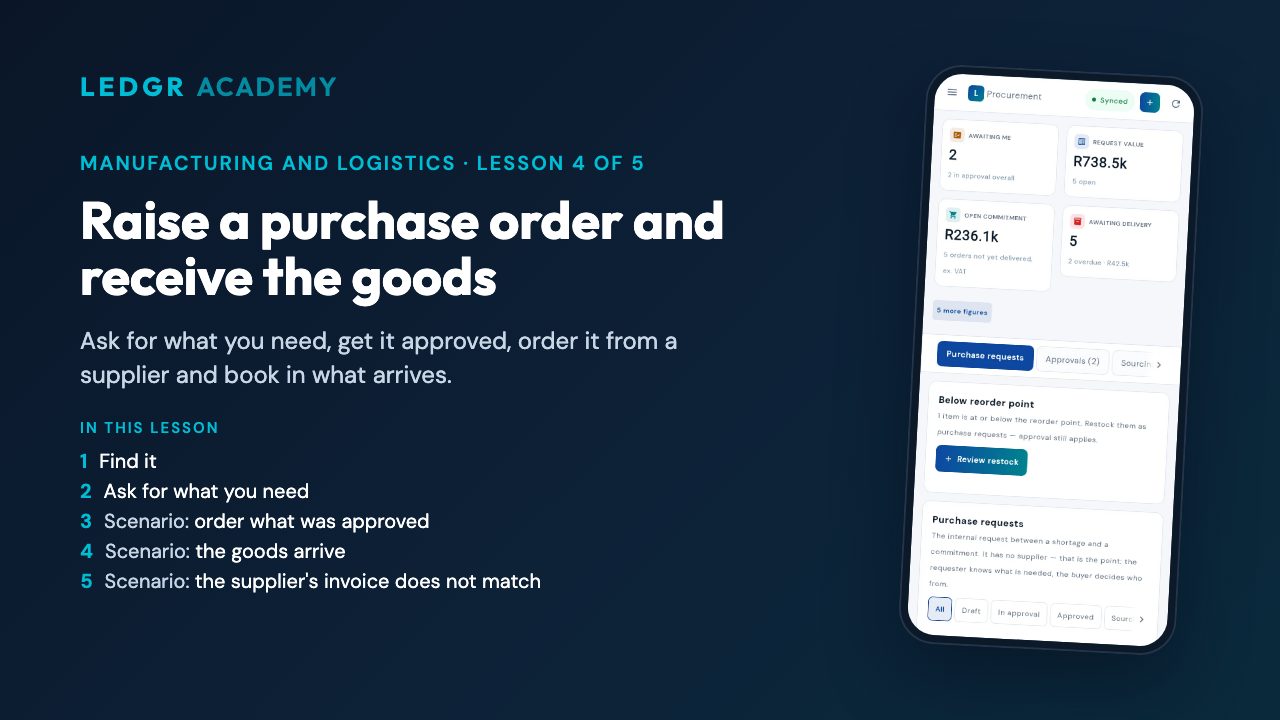 Raise a purchase order and receive the goodsAsk for what you need, get it approved, order it from a supplier and book in what arrives.
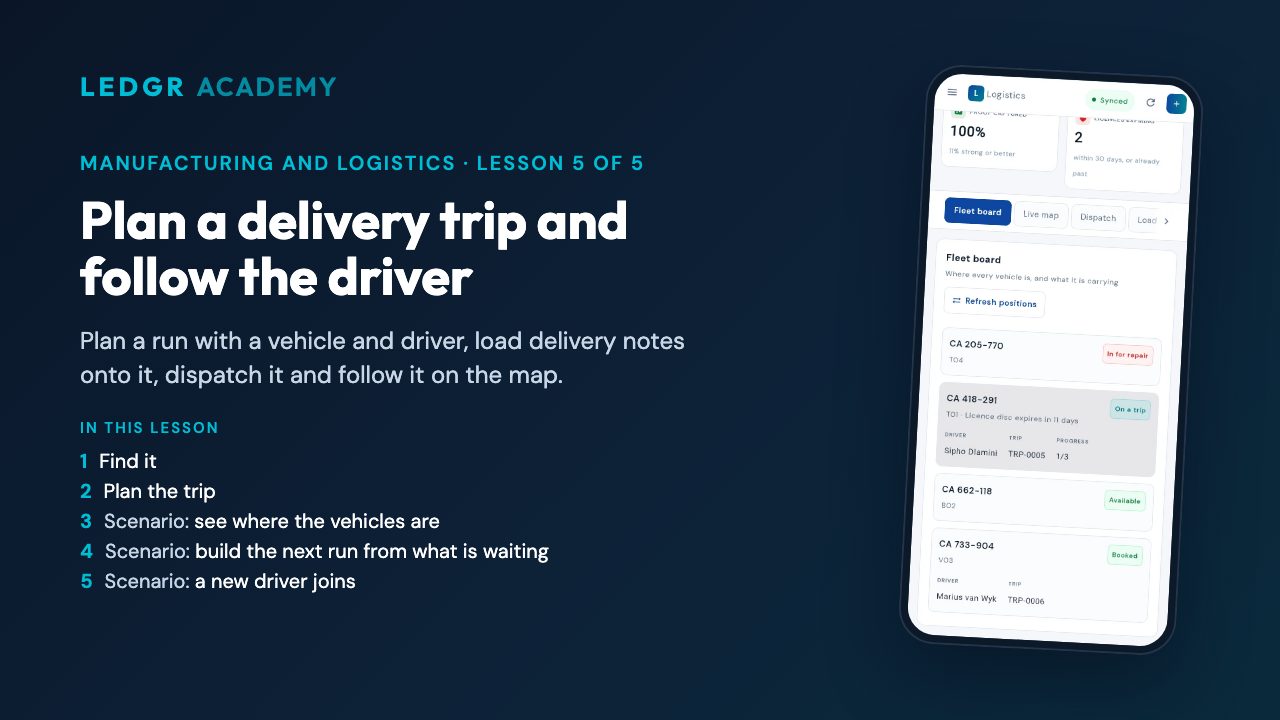 Plan a delivery trip and follow the driverPlan a run with a vehicle and driver, load delivery notes onto it, dispatch it and follow it on the map.
Take the Manufacturing and logistics assessment — pass and get a certificate anyone can check.
Finance and compliance
For owners and bookkeepers: by the end you can run payroll, prepare a VAT201 for eFiling and read your main financial reports.
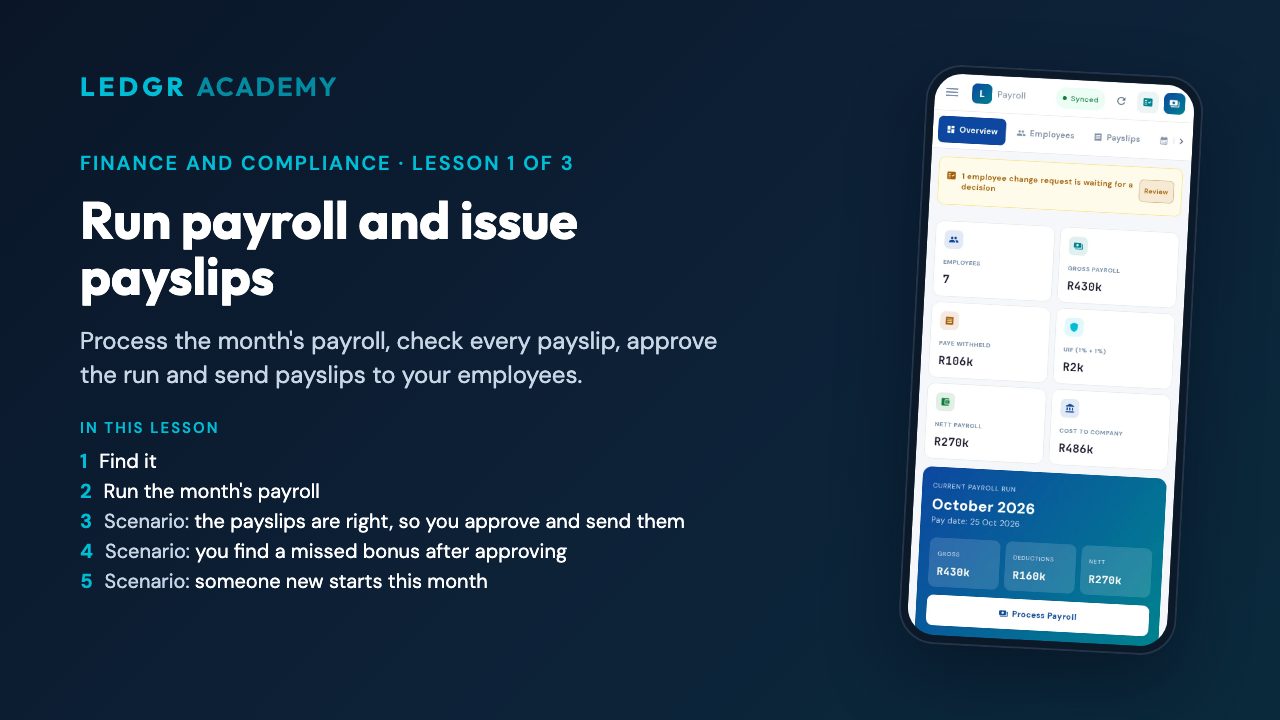 Run payroll and issue payslipsProcess the month's payroll, check every payslip, approve the run and send payslips to your employees.
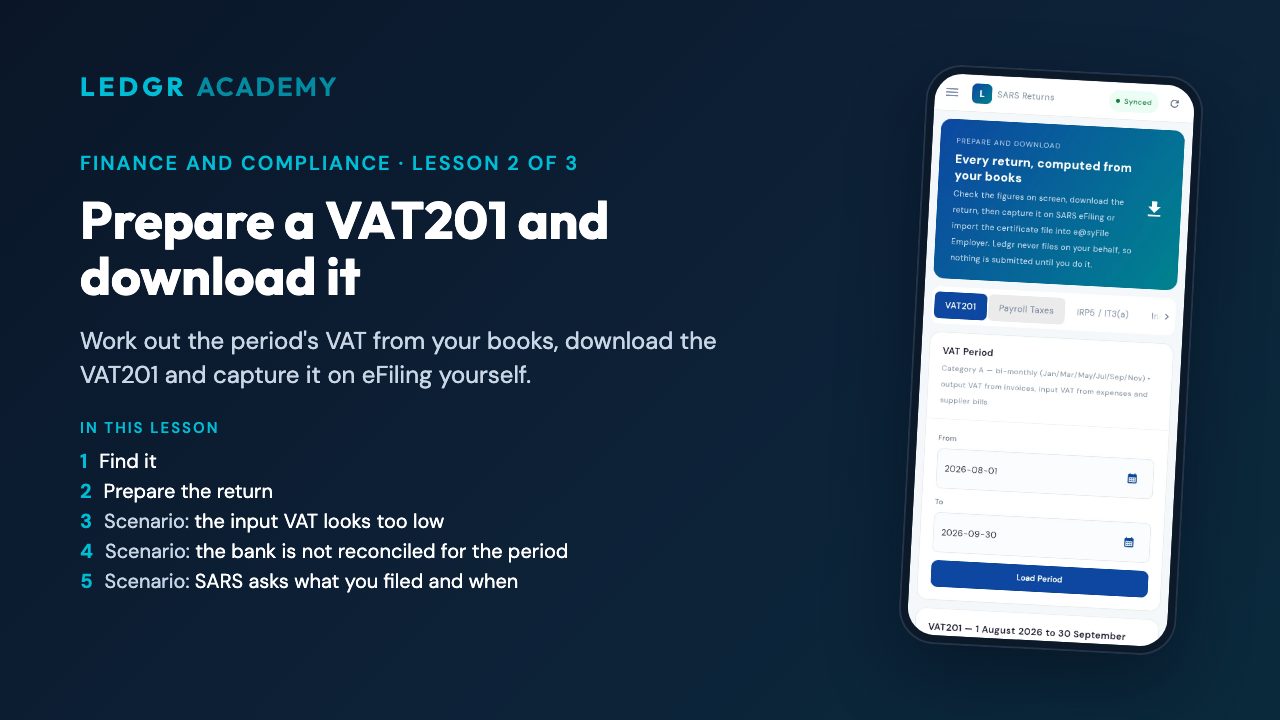 Prepare a VAT201 and download itWork out the period's VAT from your books, download the VAT201 and capture it on eFiling yourself.
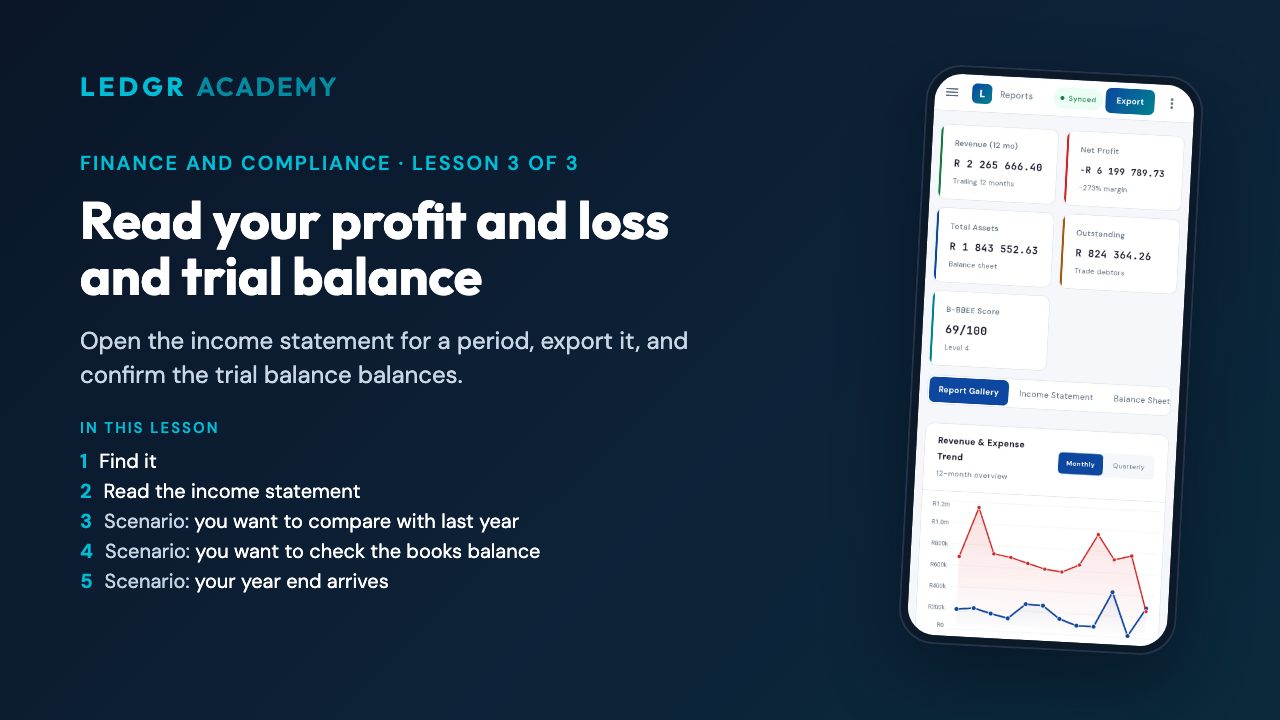 Read your profit and loss and trial balanceOpen the income statement for a period, export it, and confirm the trial balance balances.
Take the Finance and compliance assessment — pass and get a certificate anyone can check.
Growing the business
For growing businesses and their accountants: by the end you can run a second company and work clients' books from the practice console.
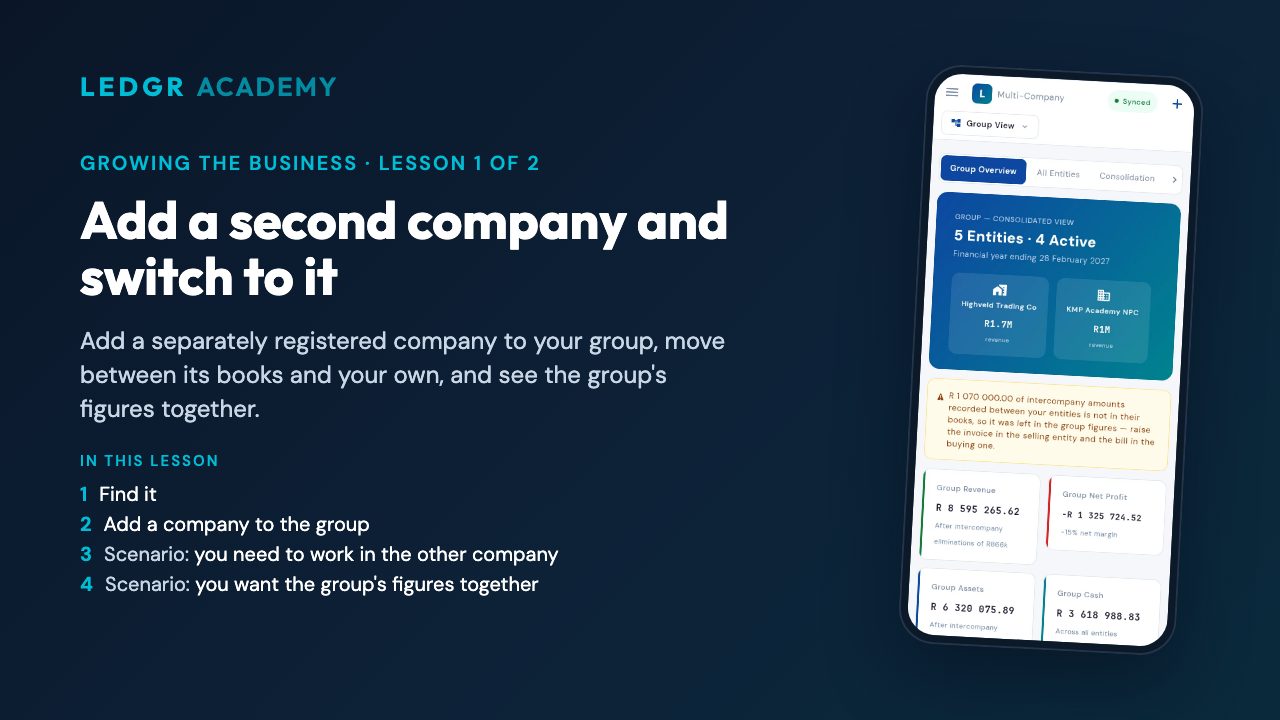 Add a second company and switch to itAdd a separately registered company to your group, move between its books and your own, and see the group's figures together.
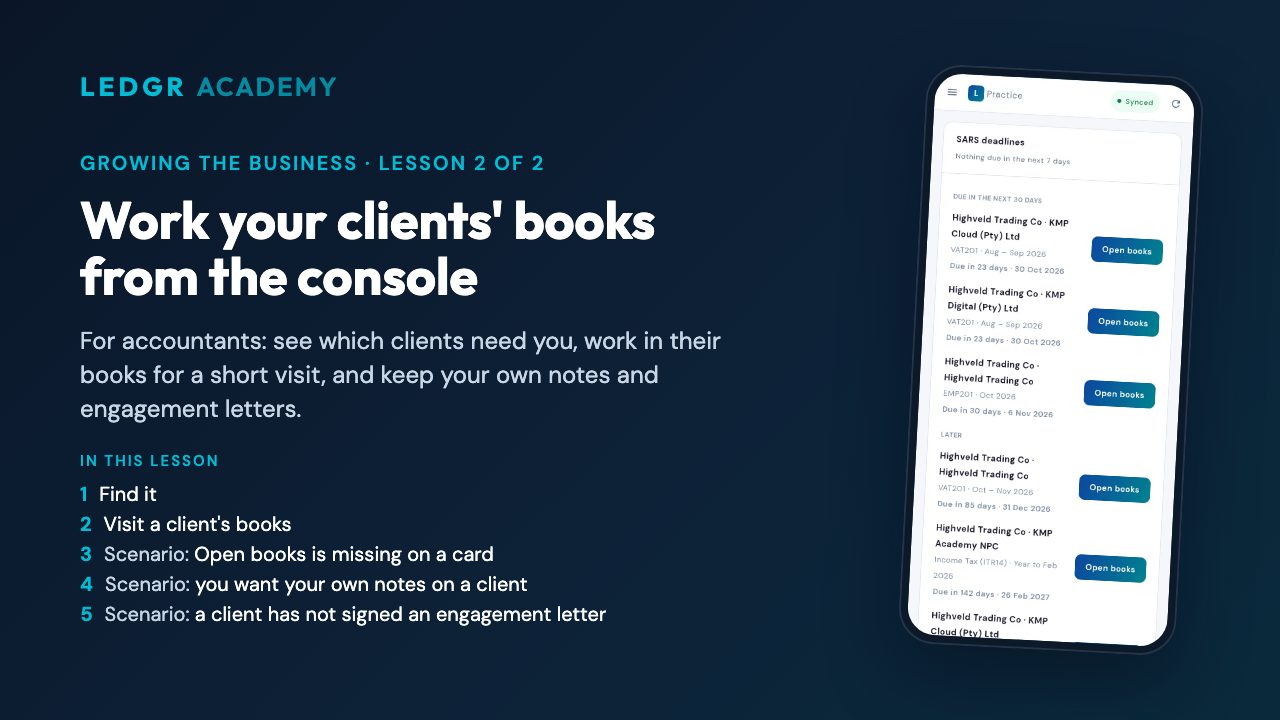 Work your clients' books from the consoleFor accountants: see which clients need you, work in their books for a short visit, and keep your own notes and engagement letters.
Take the Growing the business assessment — pass and get a certificate anyone can check.